cyocLLC

FILEGUARD BY CYOC LLC

Your file.
Your choice.
Even after sending.

Choose who can open your file and under what conditions. FileGuard keeps your access rules with the file after you send it.

Available on Google Play for Android.

FILEGUARD / 01 YOUR ACCESS SETTINGS
A
Alex MorganIntended recipient / example
.PED

PRIVATE / EXAMPLE

A plan worth
keeping private.

Proposal.pdf >
Your access rules.Who can open it. When they can open it.
ONE FILE. YOUR ACCESS RULES.
AFTER YOU PRESS SEND

You share the file.
Keep control over who can open it.

INSIDE FILEGUARD

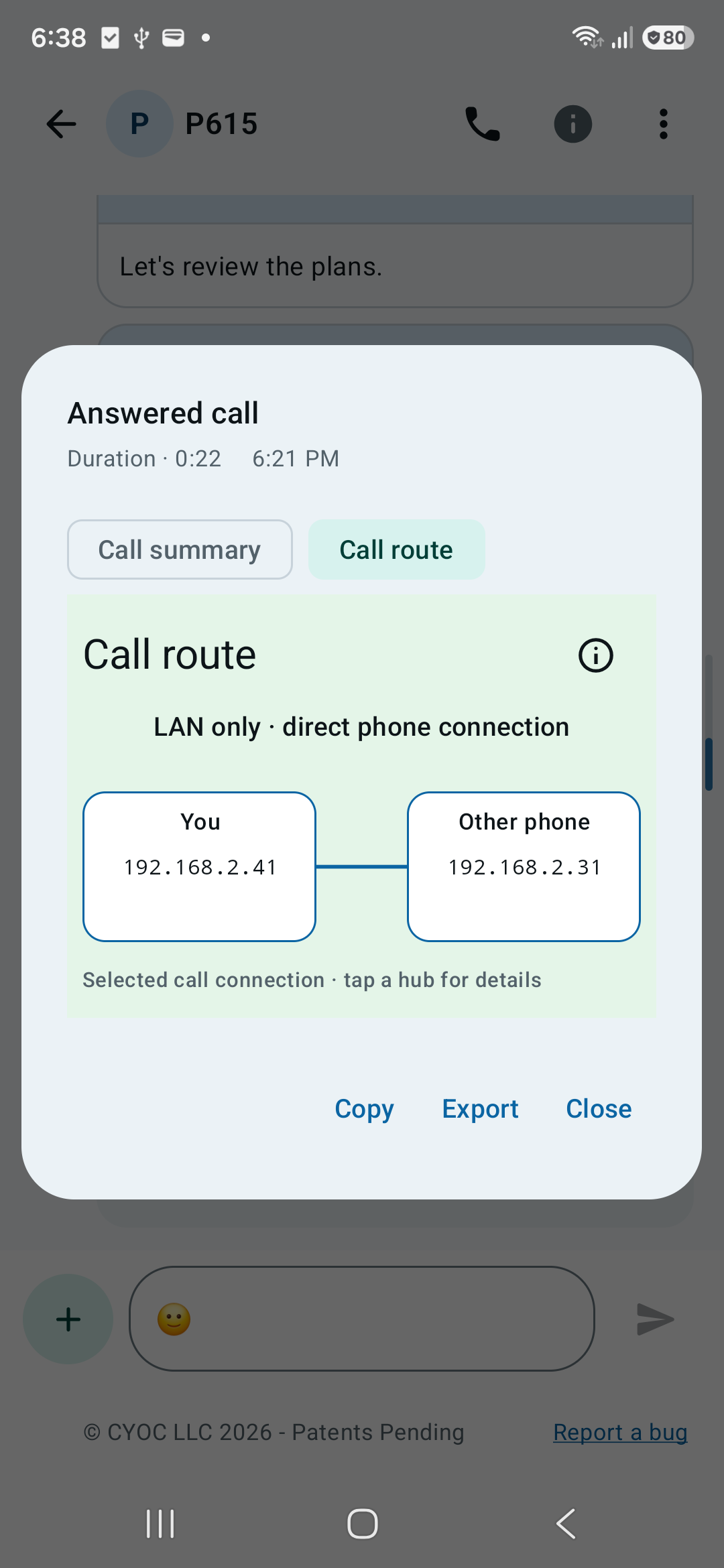
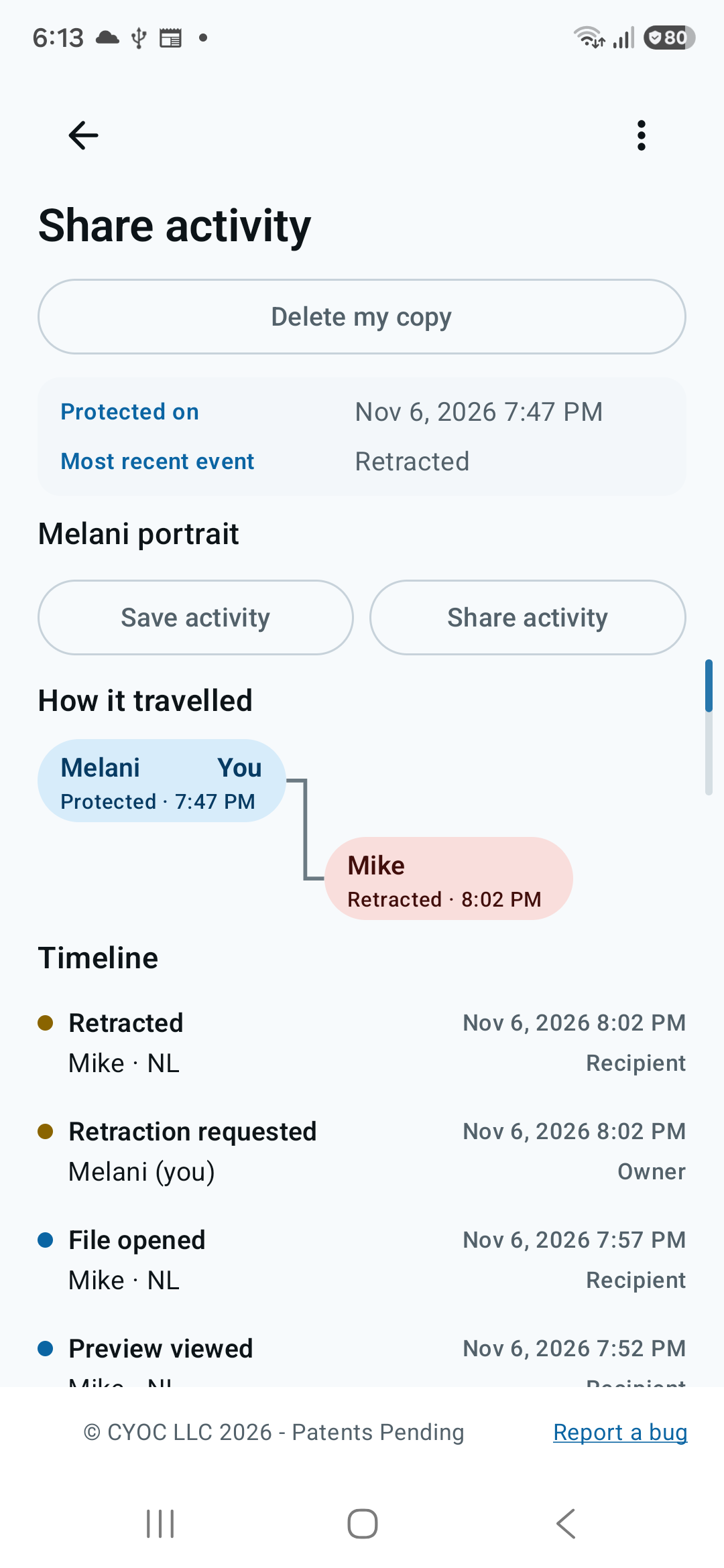
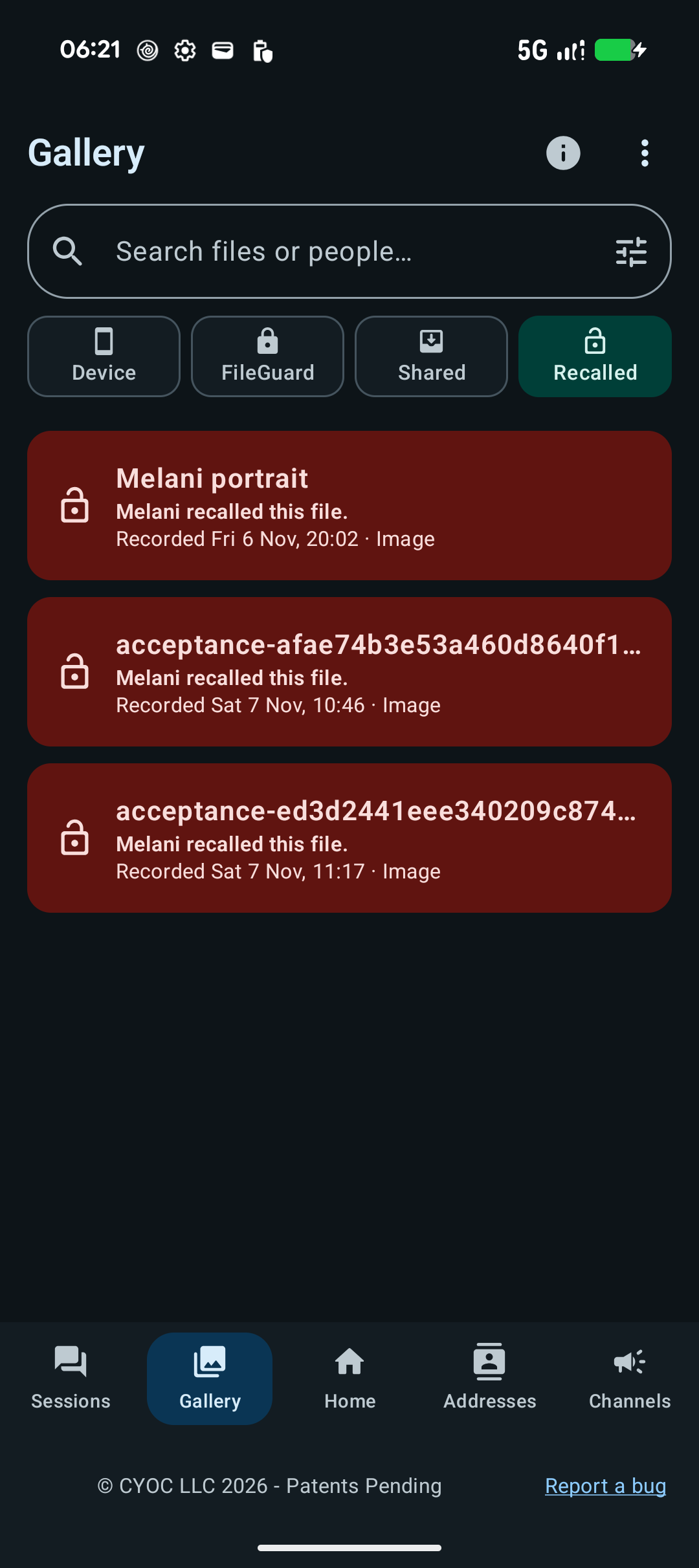
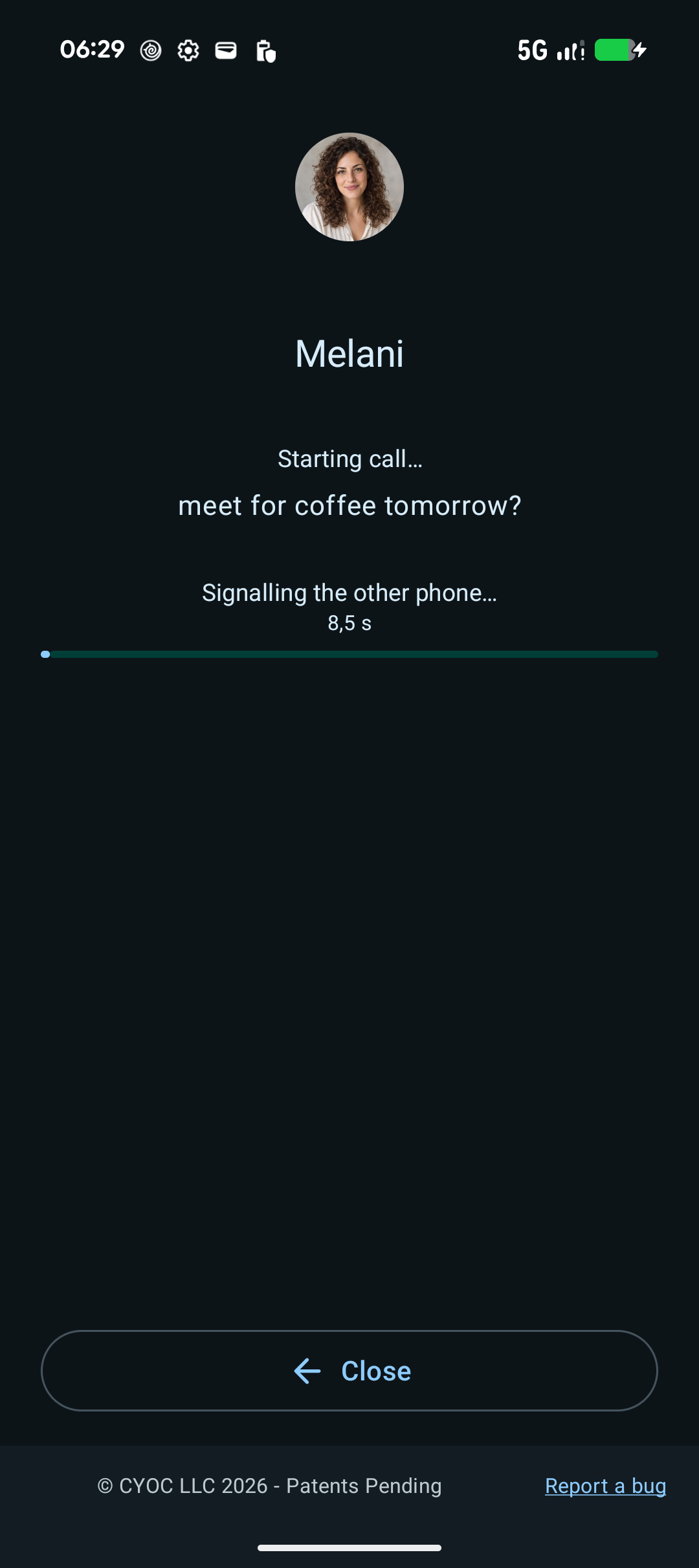
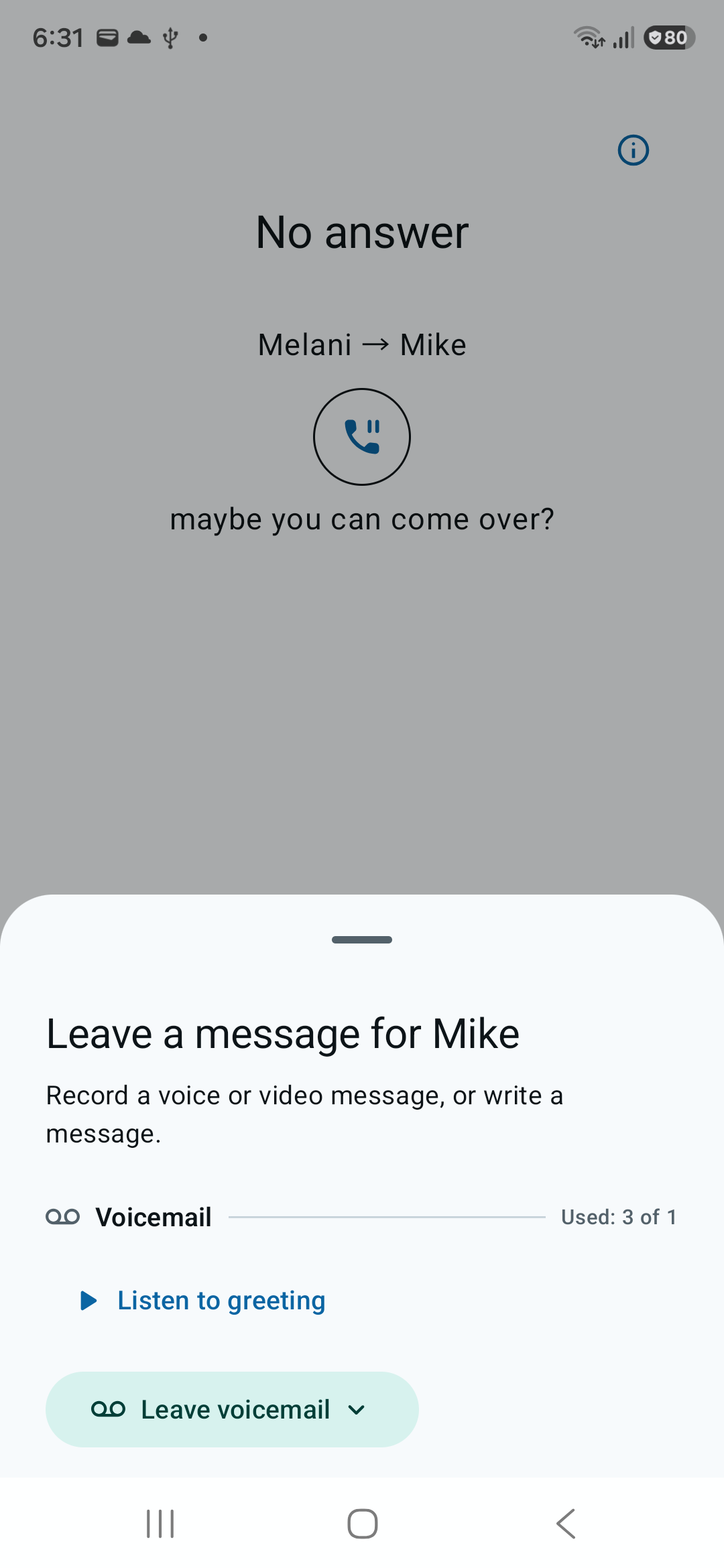
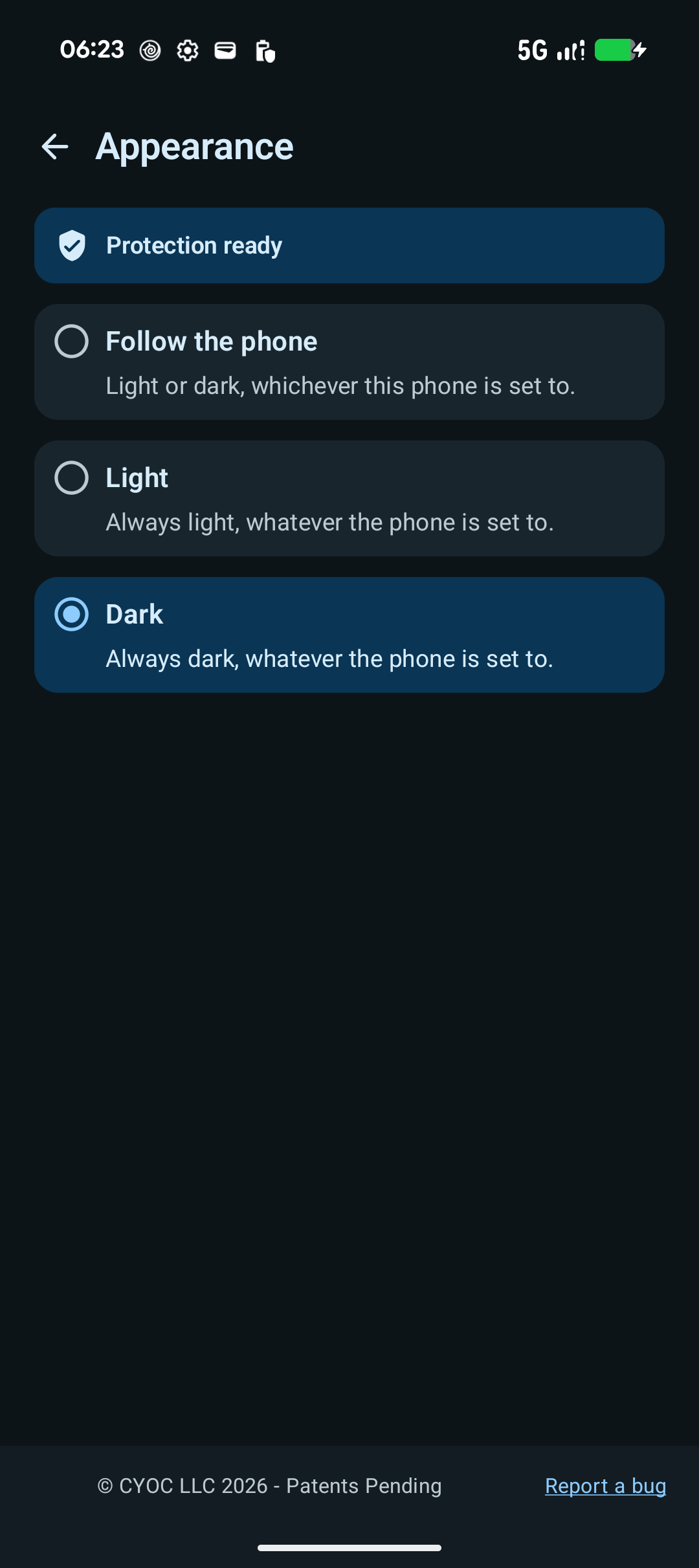
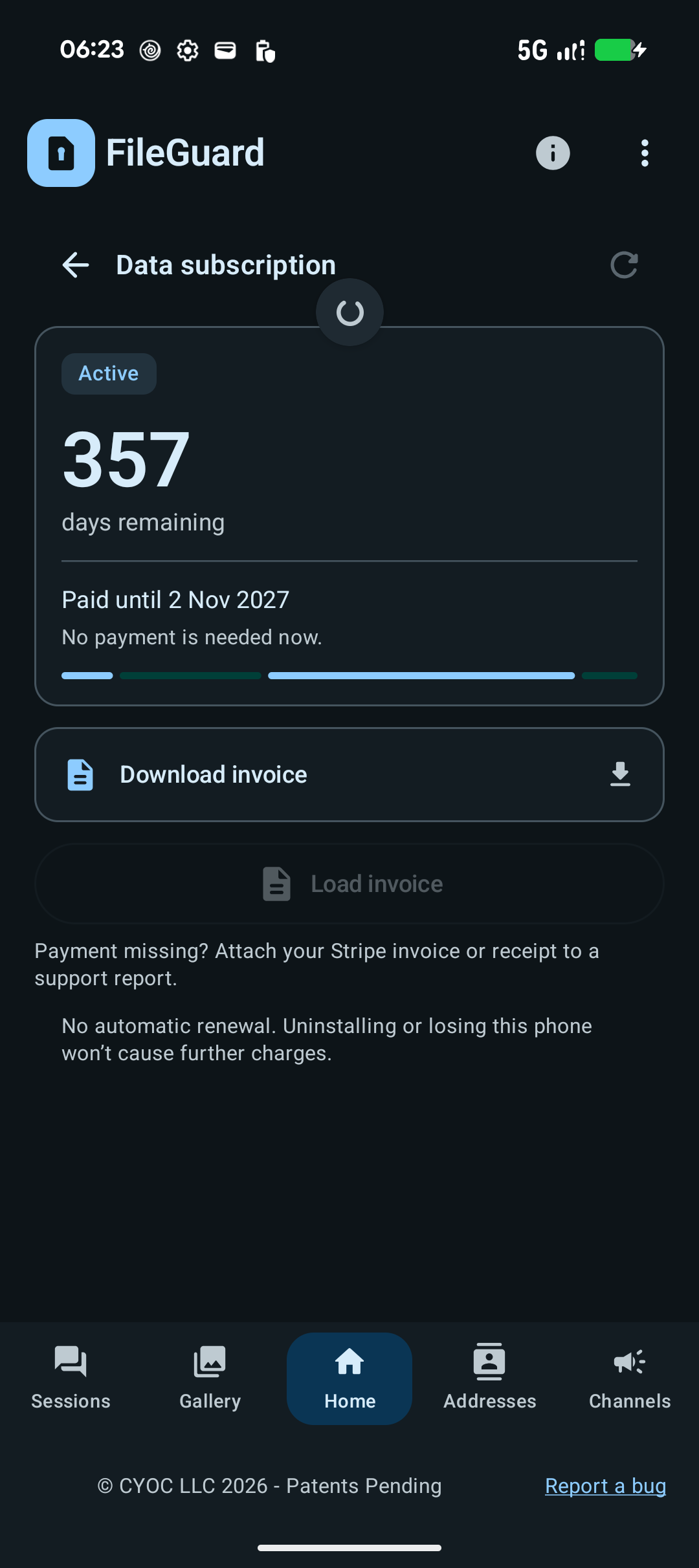
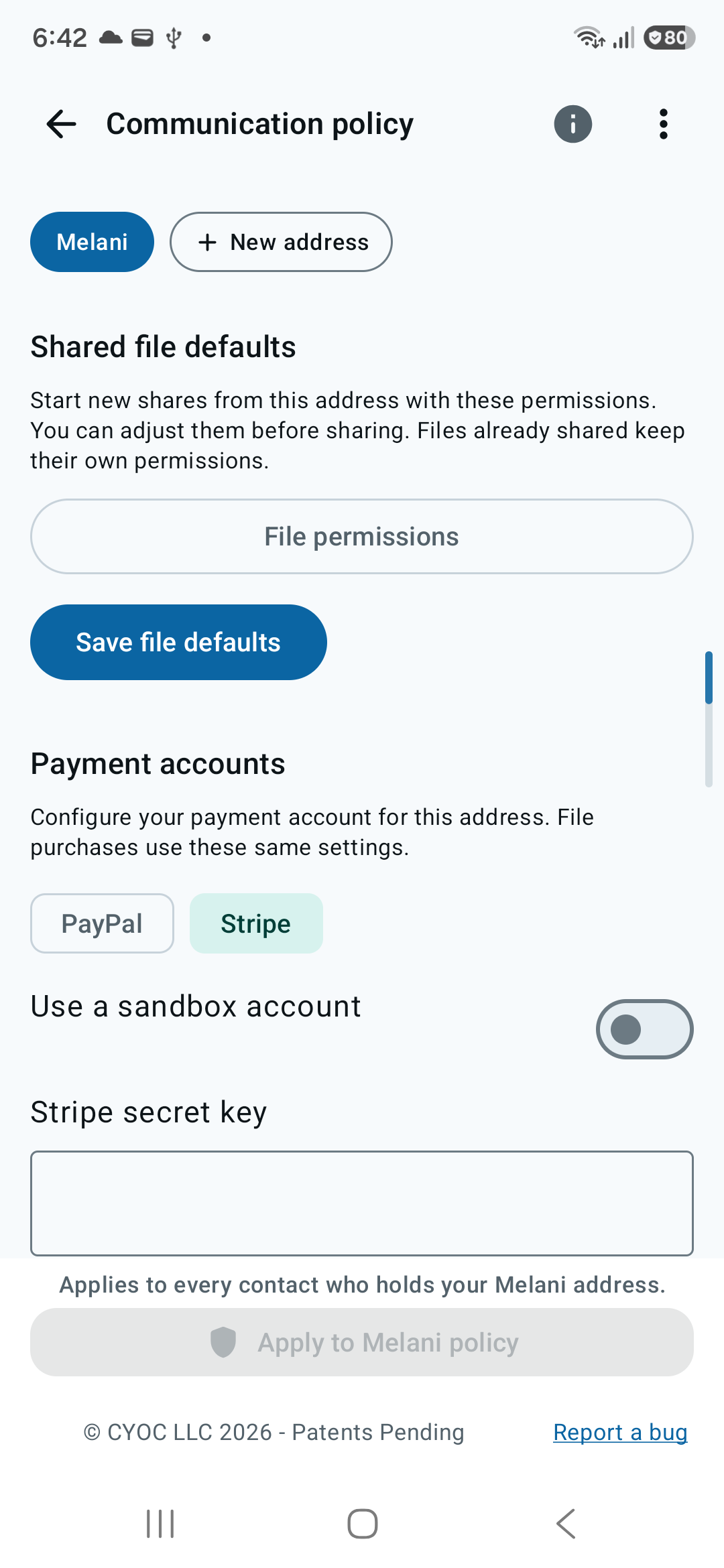
See the app.
See why it matters.

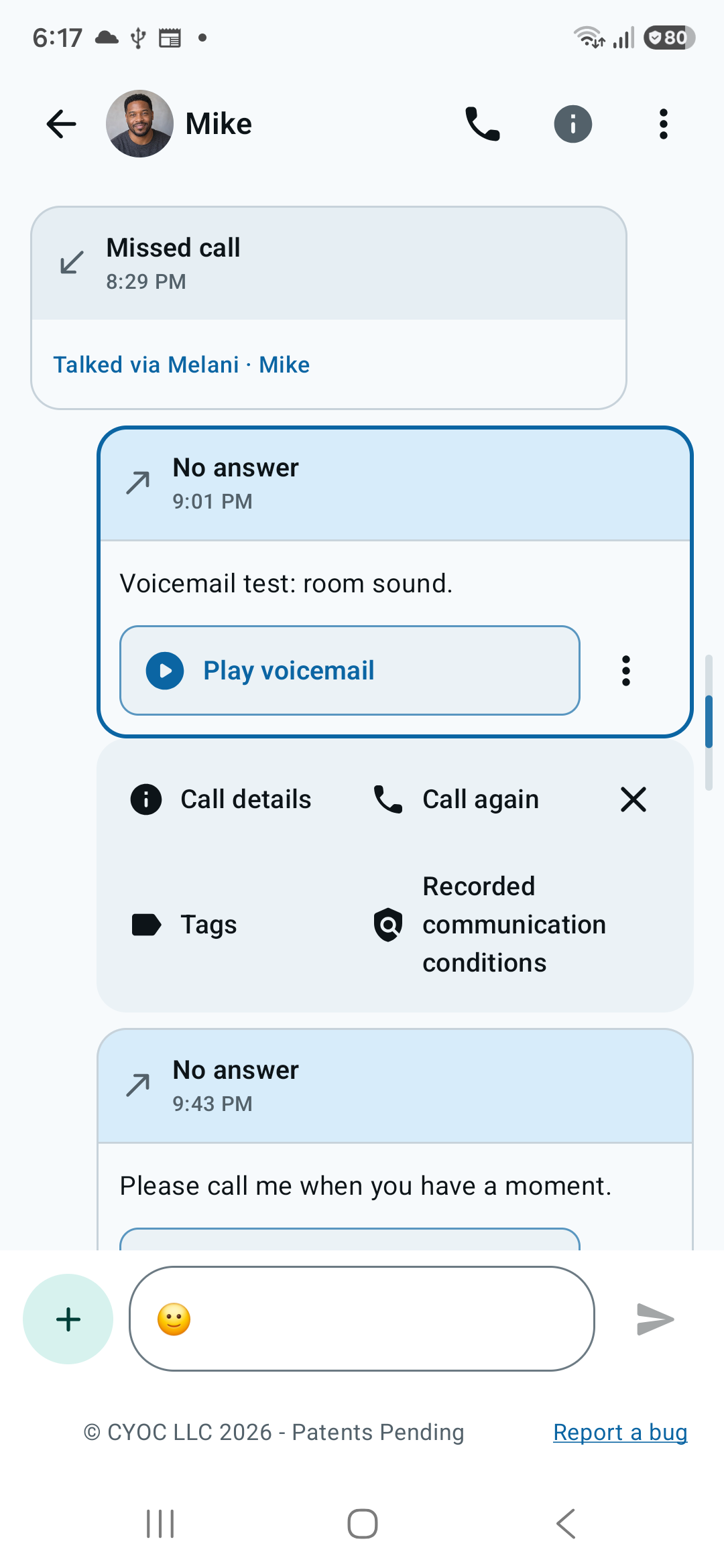
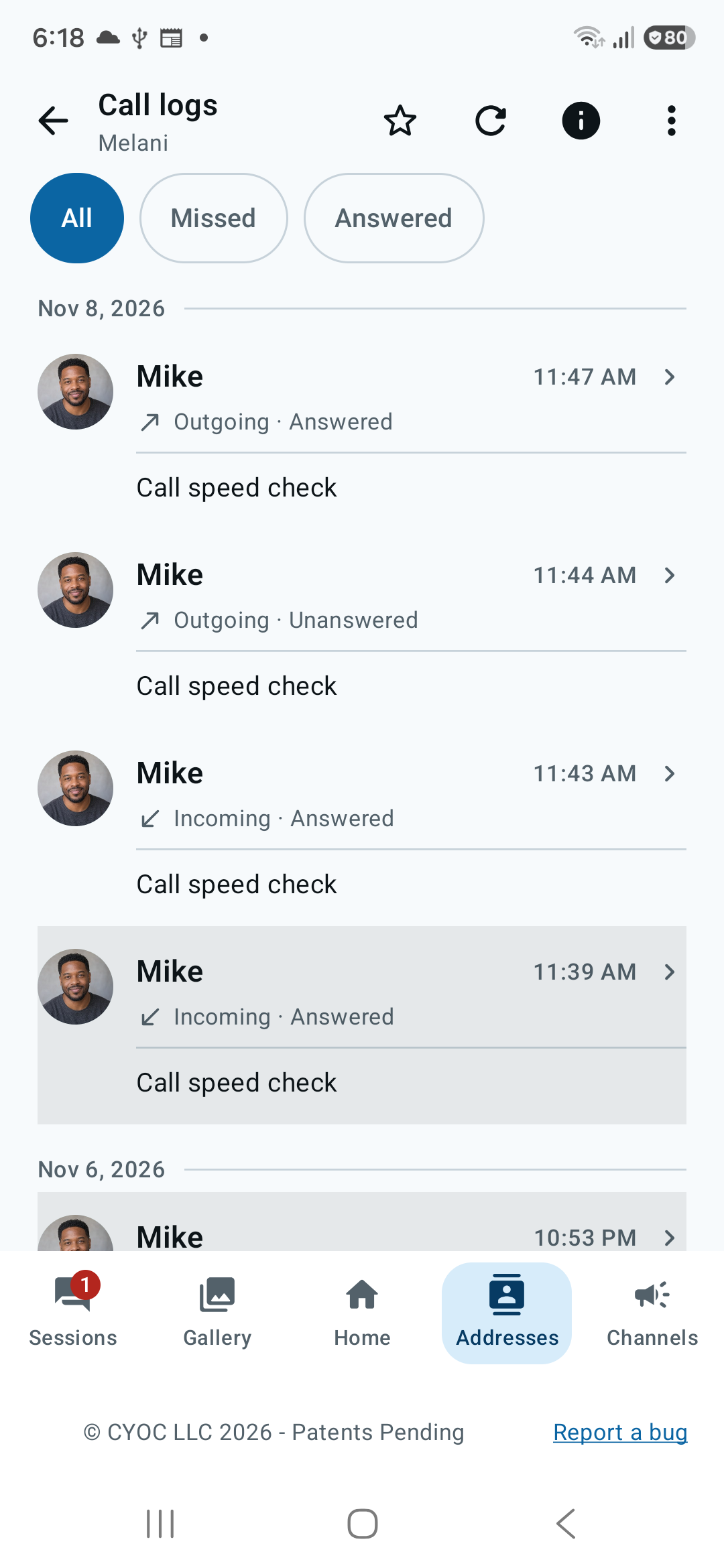
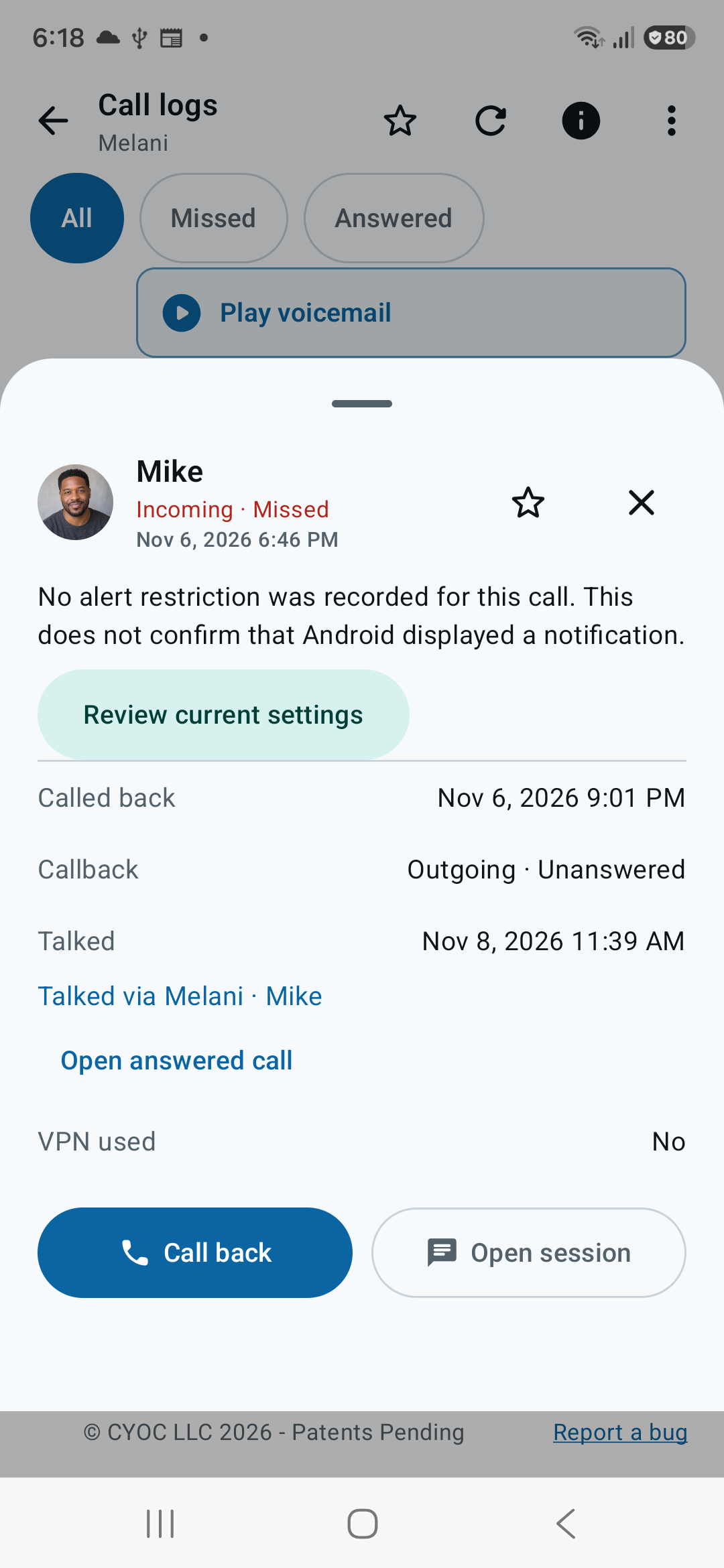
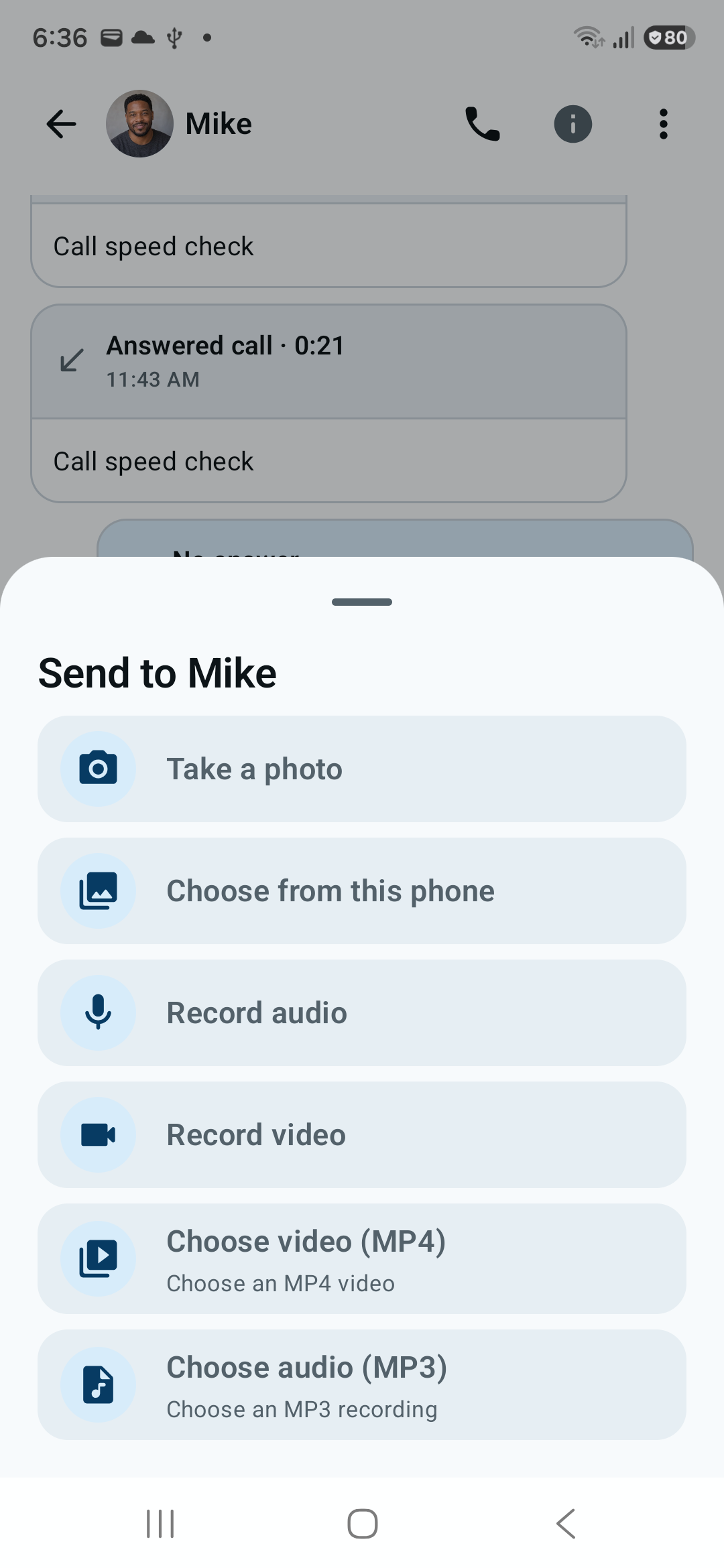
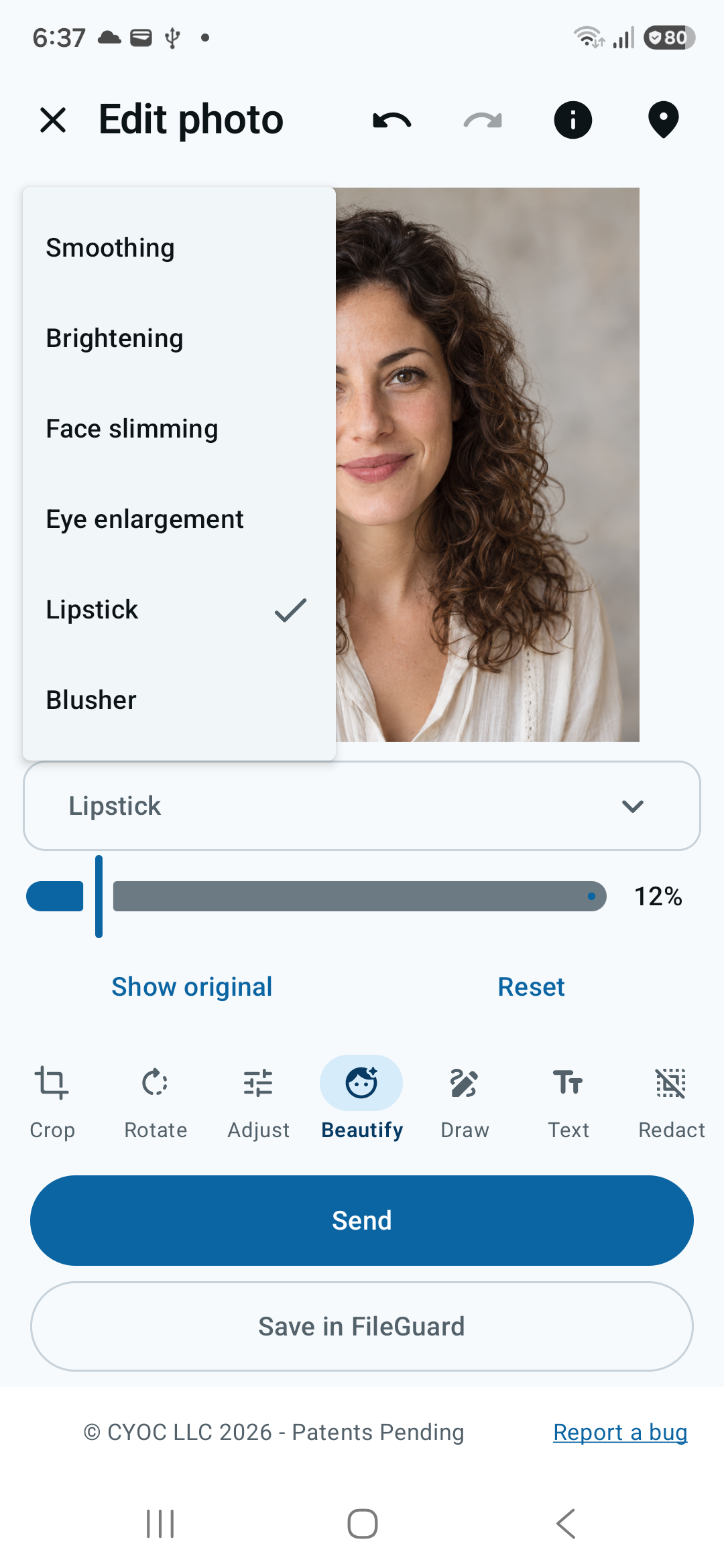
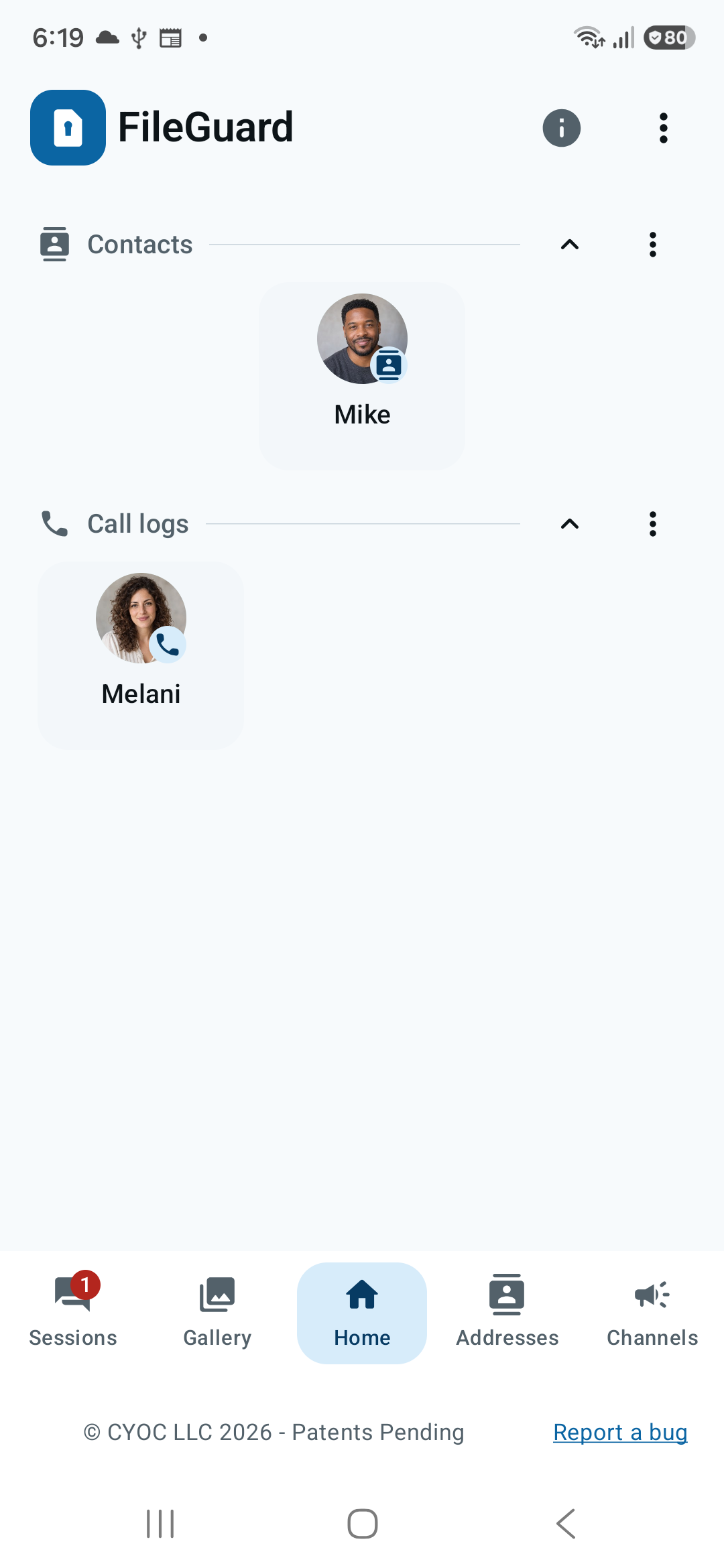
Get paid for your time and files. Share an address instead of your phone number.
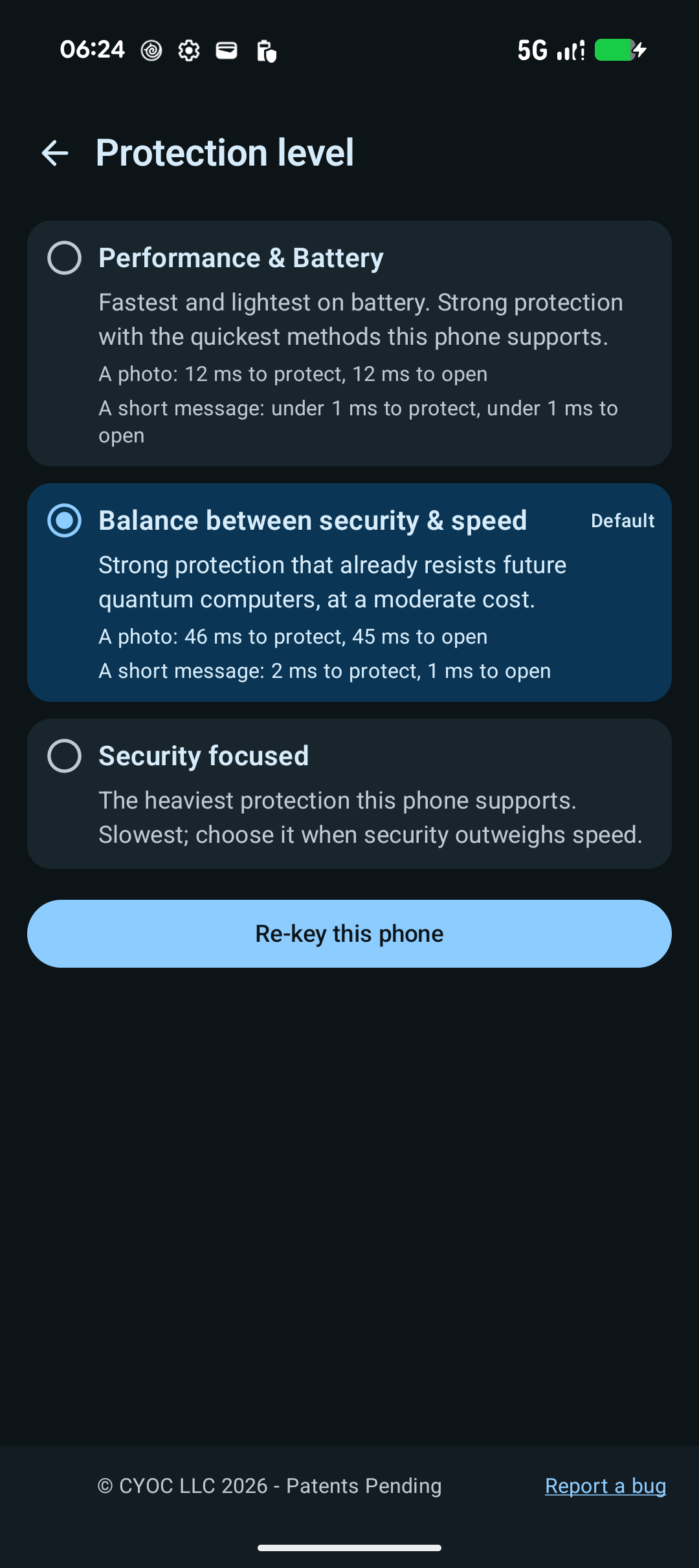
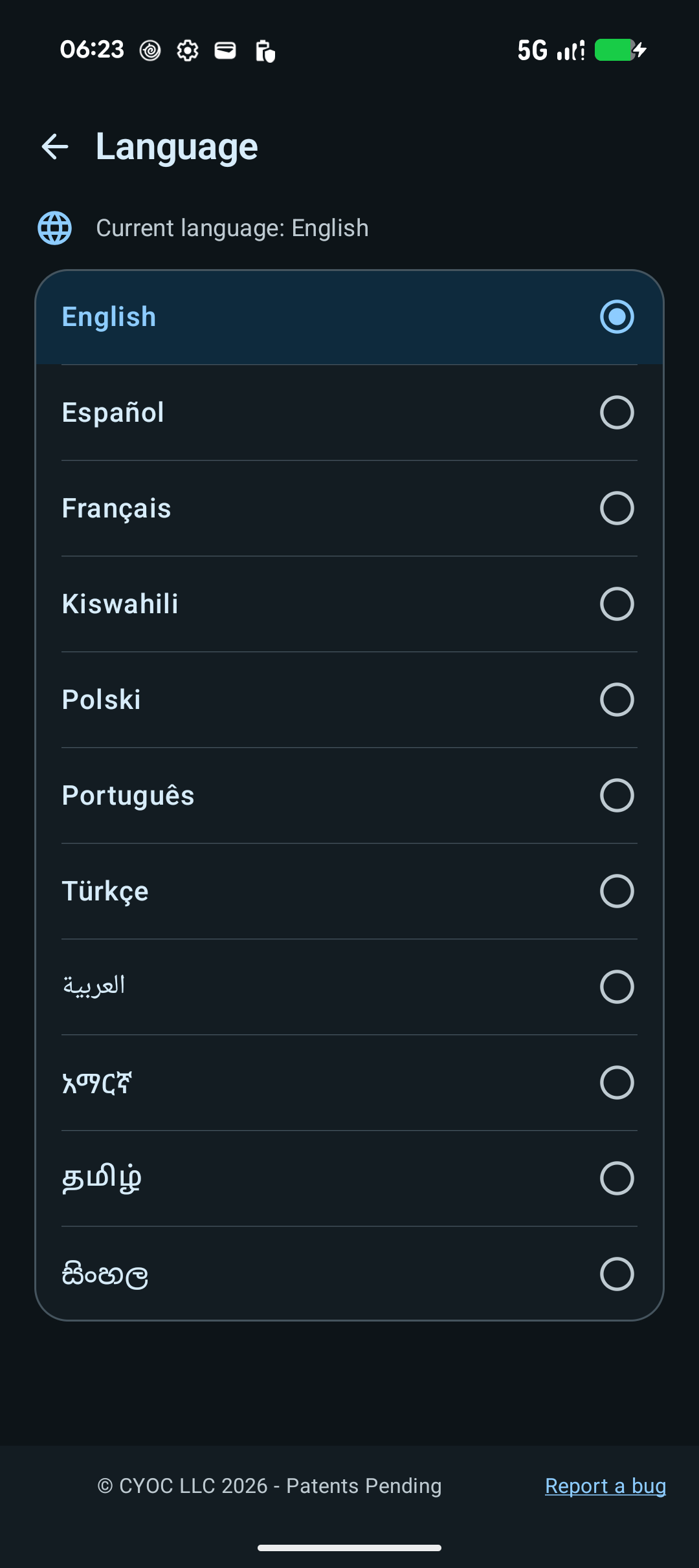
See the main benefits first, then explore the rest of the app.

Screens and options may vary by device and app version. Any timings shown are examples from that phone.

01 / HOW IT WORKS

Set your terms.
Then communicate.

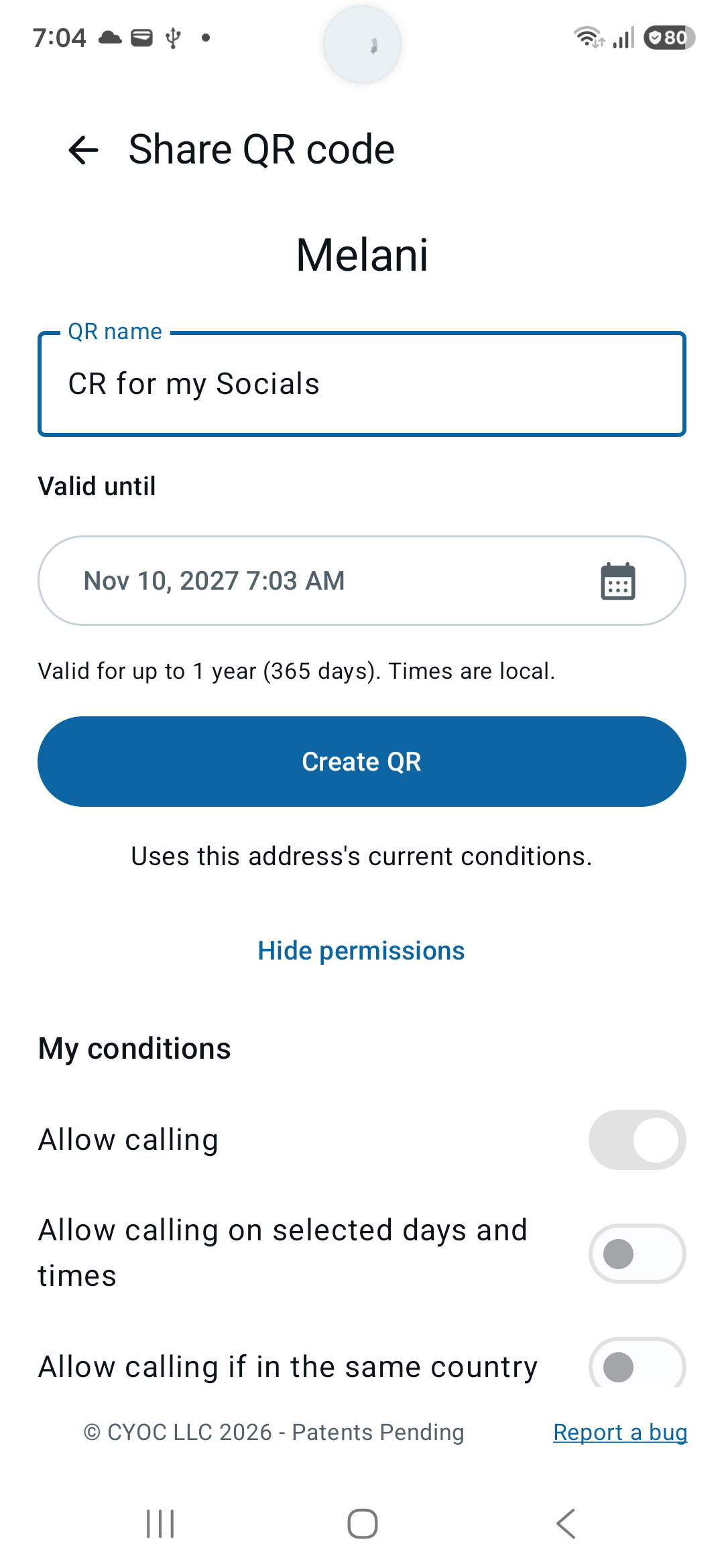
Choose what your FileGuard address (PEA) offers. Chat, calls and shared files can be free or commercial. You set the terms.

01

Choose what you offer.

Decide which services your FileGuard address makes available, including chat, calls and shared content.

02

Set the duration and price.

You choose whether contact is free or paid, and can offer chat or calls for a set duration.

03

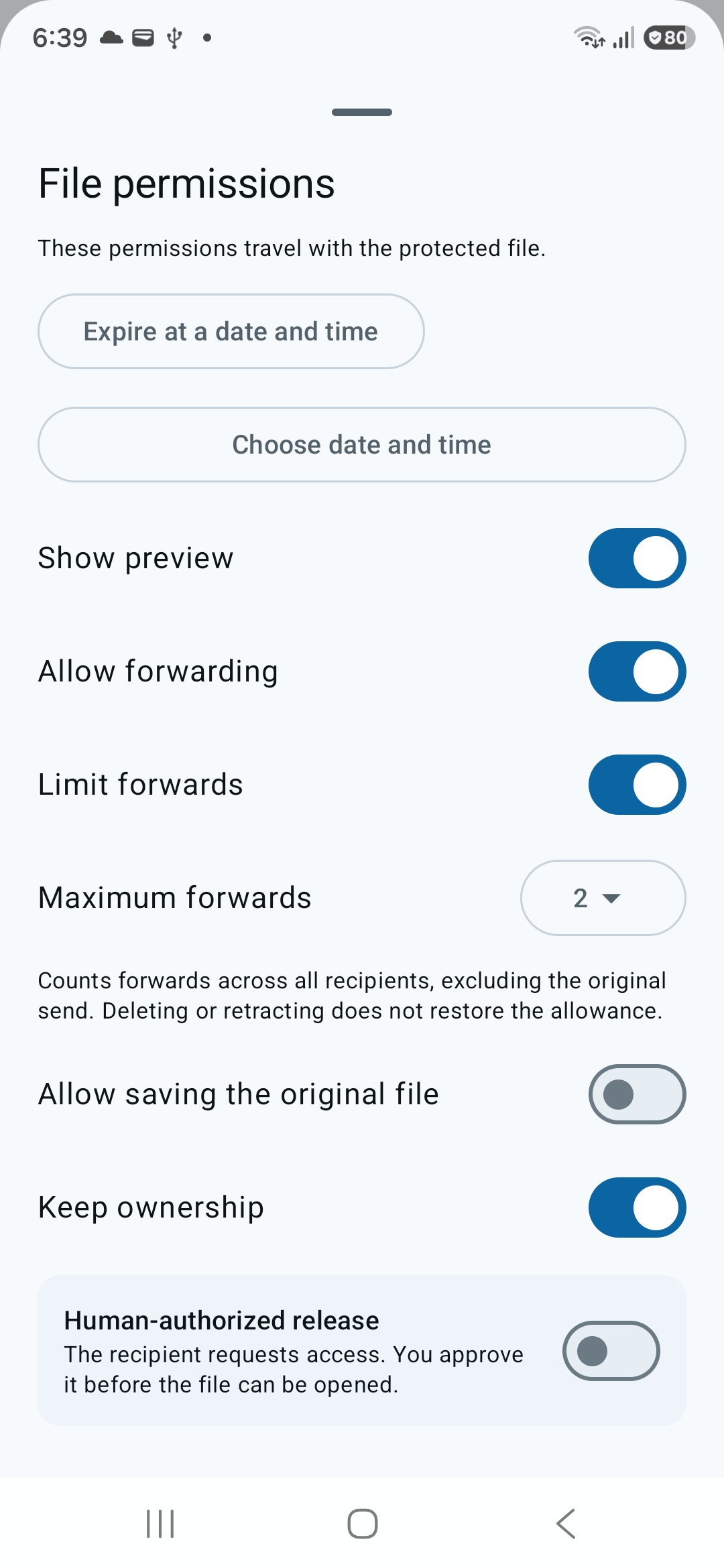
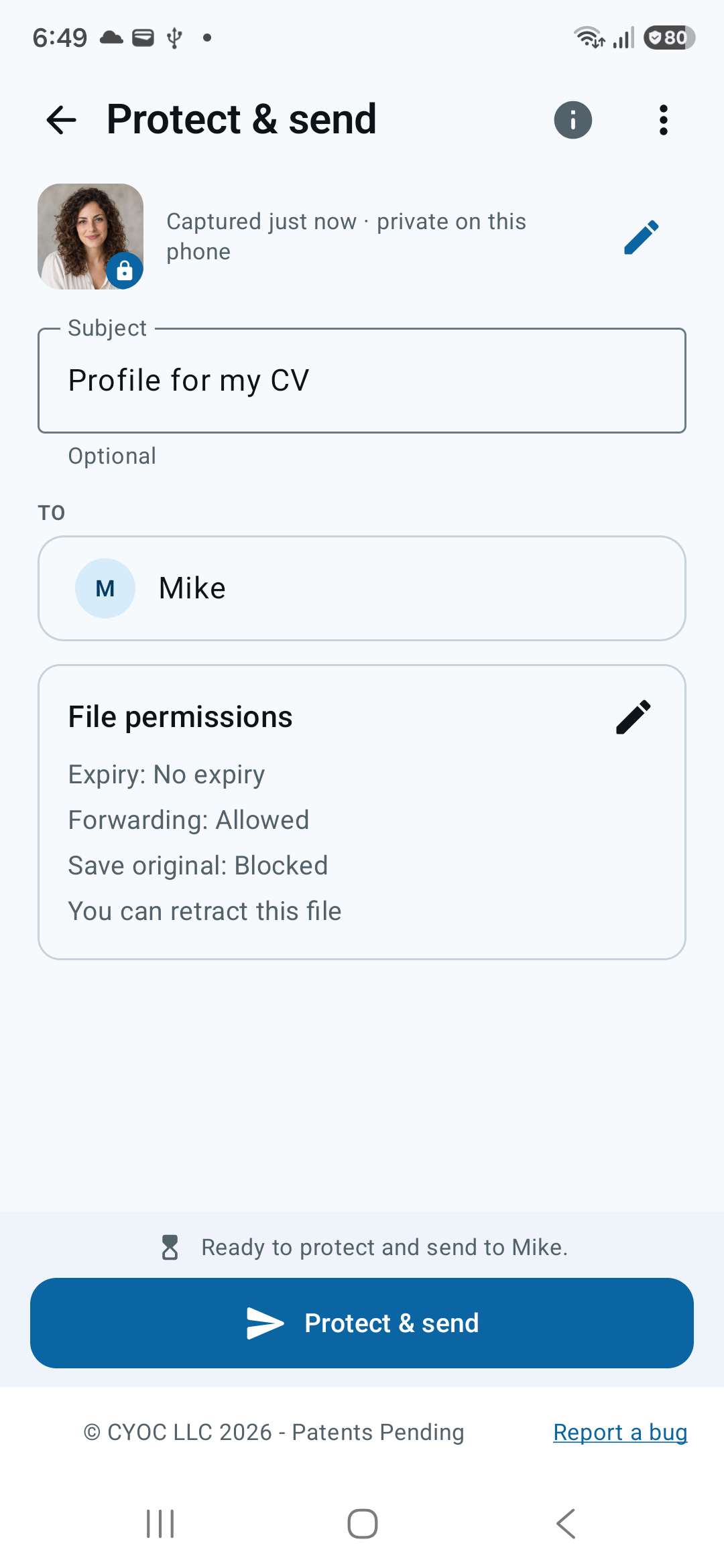
Set the file permissions.

Choose how a shared file may be used. You can require payment before the recipient can save it to disk.

TRY THE CONCEPT Interactive illustration
Proposal.pdfShared with Alex
Allowed

Alex can open this file.

In this example, you have allowed Alex to open the document.

This is an example. It does not upload, protect or send a real file.

02 / WHEN YOUR FILE NEEDS MORE CONTROL

Send the file.
Keep the rules with it.

01 / BUSINESS

A business proposal.

Choose who can open a proposal before you agree to work together.

02 / CLIENTS

A private client document.

Set access rules when you share private client information.

03 / TIMING

Information for a limited time.

Discuss how time limits could fit the files you need to share.

These are example uses. Contact us to check what is available for your needs.

03 / KNOW THE LIMITS

Clear rules.
Clear limits.

FileGuard combines protected files with access rules. It checks those rules before showing the content.

Stopping access affects future opening through FileGuard. It cannot remove what someone has already read, photographed or copied outside FileGuard.

FileGuard is available for Android. Ask us about other platforms and what your recipient needs.

Ask a technical question

QUESTIONS

Good to know.

Can I use FileGuard today?

Yes. Get FileGuard on Google Play for Android. Check the store listing for device compatibility and availability in your country.

What happens when I stop access?

You change permission for future opening through FileGuard. This cannot remove screenshots, memories or copies already made outside FileGuard.

Does the recipient need FileGuard?

The recipient needs a way to open the protected file that supports FileGuard. Ask us which devices and software can be used.

Does it work offline?

This depends on the access rules and how you use the product. Ask us when an internet connection is needed and when changed rules take effect.

Does this page track me?

This page has no tracking scripts or cookies. Contact links open your email app. If you send an email, we receive the information you include.

SOFTWARE AND SERVICES

Free software.
Clear terms.

The FileGuard software is free, including for business use. Data services are separate purchases with no automatic renewal.

When a data-service period ends, local use and authorised access to stored files continue. The content owner's access rules still apply.

You can get paid for contact with you and for files or other content you share. FileGuard takes no commission or transaction fee from these transactions. Payment-provider fees may apply. FileGuard data-service charges are separate.

Consultants can offer paid time. Game developers, lawyers and architects can require payment before a shared file can be saved to disk. The user chooses the services, duration and commercial terms.

LET US TALK

Share your file.
Keep your choice.

Tell us what you need to share.
We can discuss how FileGuard could help.

Email us